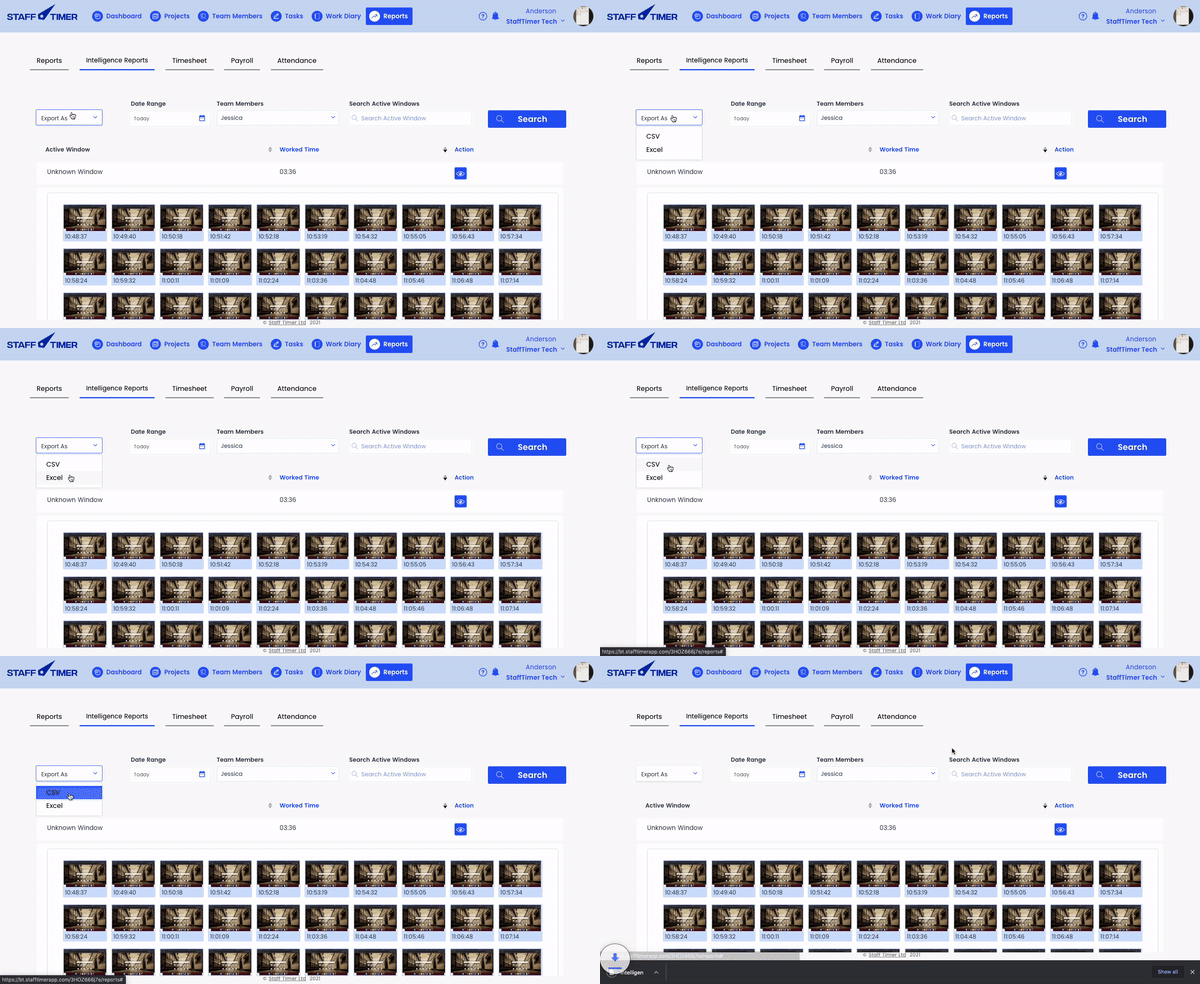

Checking intelligence reports
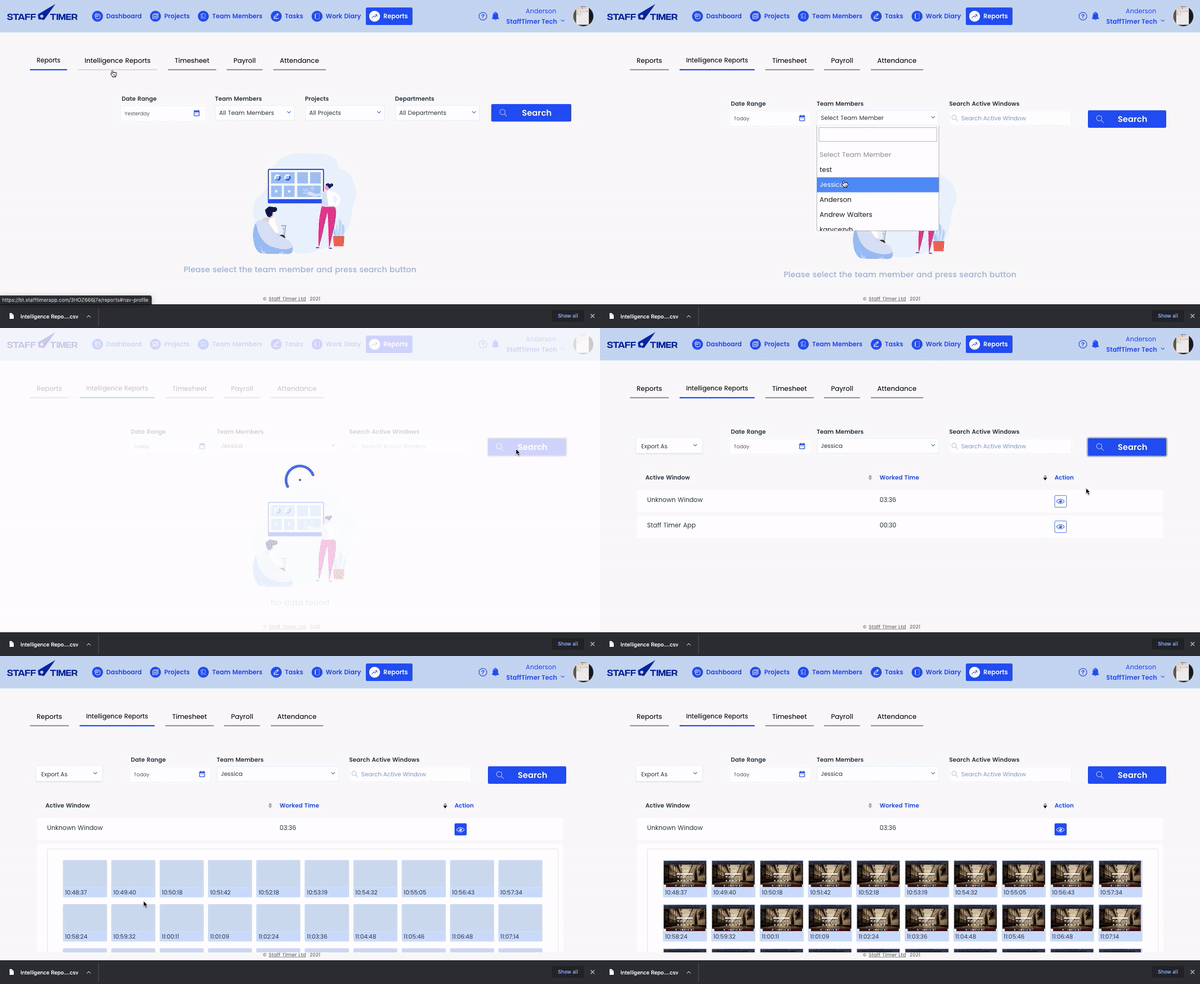
You can check how much time your employees have spent on certain tasks and URLS along with their screenshot.
1.
Click on the “Reports” tab in the top navigation bar
2.
Click “Intelligence Report”, you can apply filters to check out the data
3.
Click on the “Eye” icon to open up screenshots
5.
To download the report click on “Export” and a CSV report will be downloaded.